With the turn of the season, I’ve been diving into building and repairing hardware devices. My first fall project seemed like it would be a breeze. However, when I took apart an HP Pavilion x360, things quickly became unexpectedly complicated. When powering on the laptop, the fan emitted a wheezing, grinding noise. I thought it would be a simple fan replacement—wrong, oh so wrong.
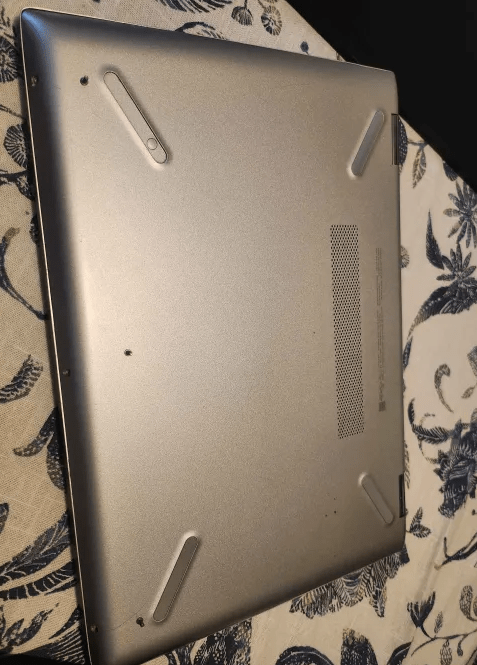
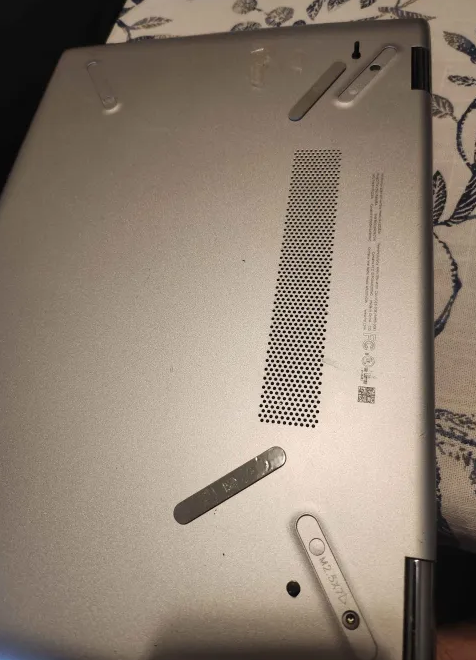
As with anything technical, it’s always a good idea to check the laptop’s SKU and review the documentation before diving in headfirst. Using my “Google-fu,” I found the necessary documentation to assess the repair. While reading through it, I discovered hidden screws tucked behind the rubber feet of the laptop, allowing me to pop off the back cover. That’s when the true horror, the tip of the iceberg, revealed itself.
As soon as I opened the laptop, I was immediately hit with a sneeze. Realizing the extent of the dust buildup, I quickly took it outside for a thorough cleaning with my portable vacuum and a toothbrush. Covered in dust and with an obviously swollen battery, the full scope of the repair began to sink in. Swollen lithium batteries are certainly intimidating, but as long as proper precautions are followed, removal and replacement shouldn’t pose a major issue.


I’ve only encountered a dangerously swollen lithium-ion battery once, and it emitted a mix of chemical and metallic smells. If you come across a similar situation, it’s crucial to take the laptop outside to a non-flammable area and call a professional to handle it. These devices are serious hazards and can combust at any moment. For proper handling, it’s always best to consult your local e-waste recycling center’s guidelines.
After safely removing the swollen battery and placing it in a metal can outside, I spot-cleaned the laptop’s dust-covered areas using 95% isopropyl alcohol and a microfiber cloth. Next, I discharged the laptop by holding down the power button for 30 seconds to avoid damaging any components during the repair. Finally, I assessed the parts that needed replacing and ordered a new battery and fan.

Since the fan was directly connected to the heatsink, I had to reapply thermal paste and carefully remove and reapply the electrostatic discharge (ESD) tape.
When I received the parts and started the repair, I expected it to take no more than 5 minutes. However, to my surprise, HP had applied adhesive to the heatsink. As I removed it, a ribbon cable attached to the heatsink unexpectedly tore off the motherboard. The HP documentation made no mention of this unusual adhesive or the connection between the ribbon cable and the heatsink. It felt like an intentional hurdle to the repair process, as I now had to remove the entire motherboard to reattach the cable. This required disconnecting several ribbon cables and detaching the Wi-Fi antenna cables. Frustrated, I realized the repair would take at least half an hour.
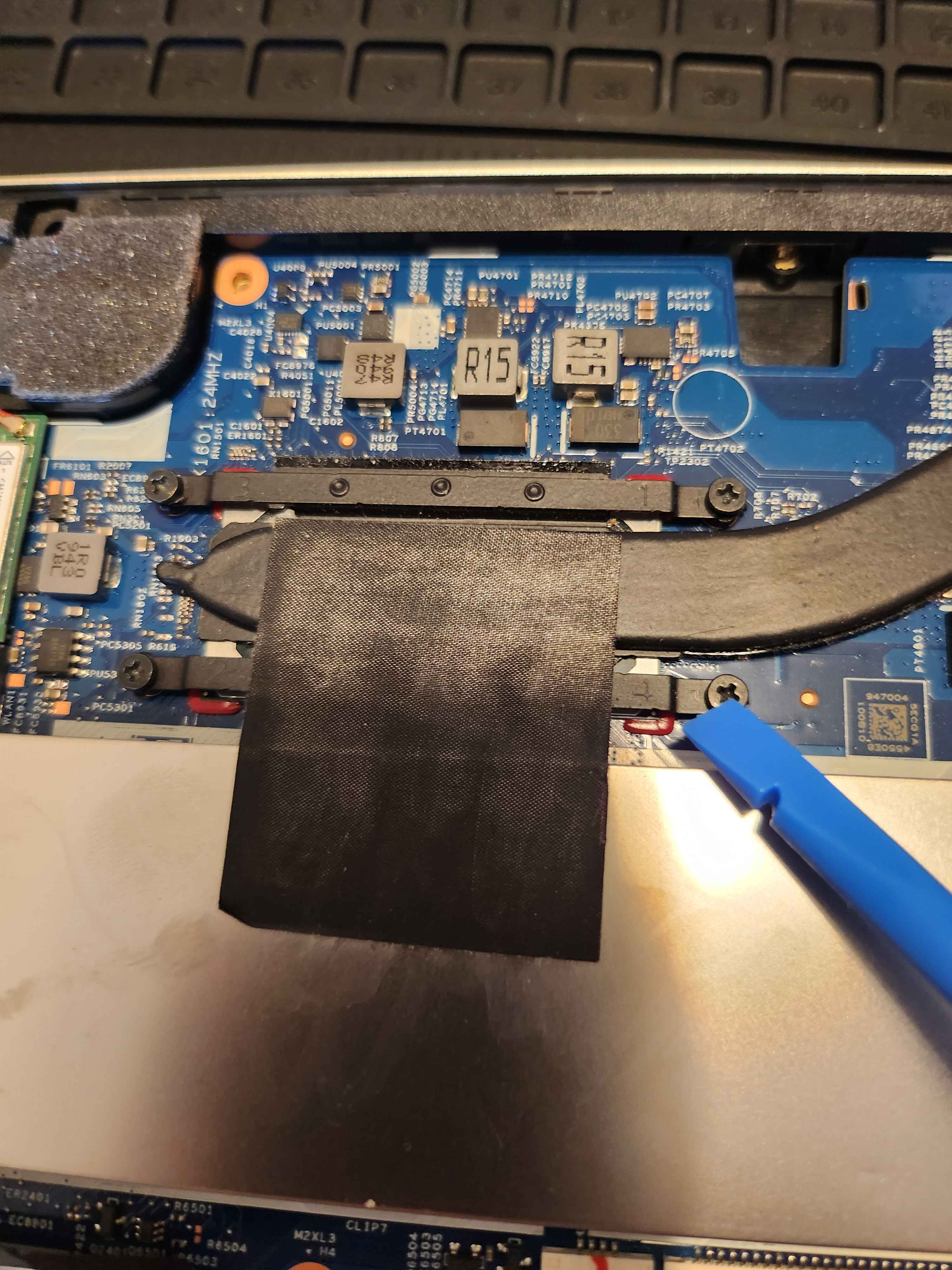
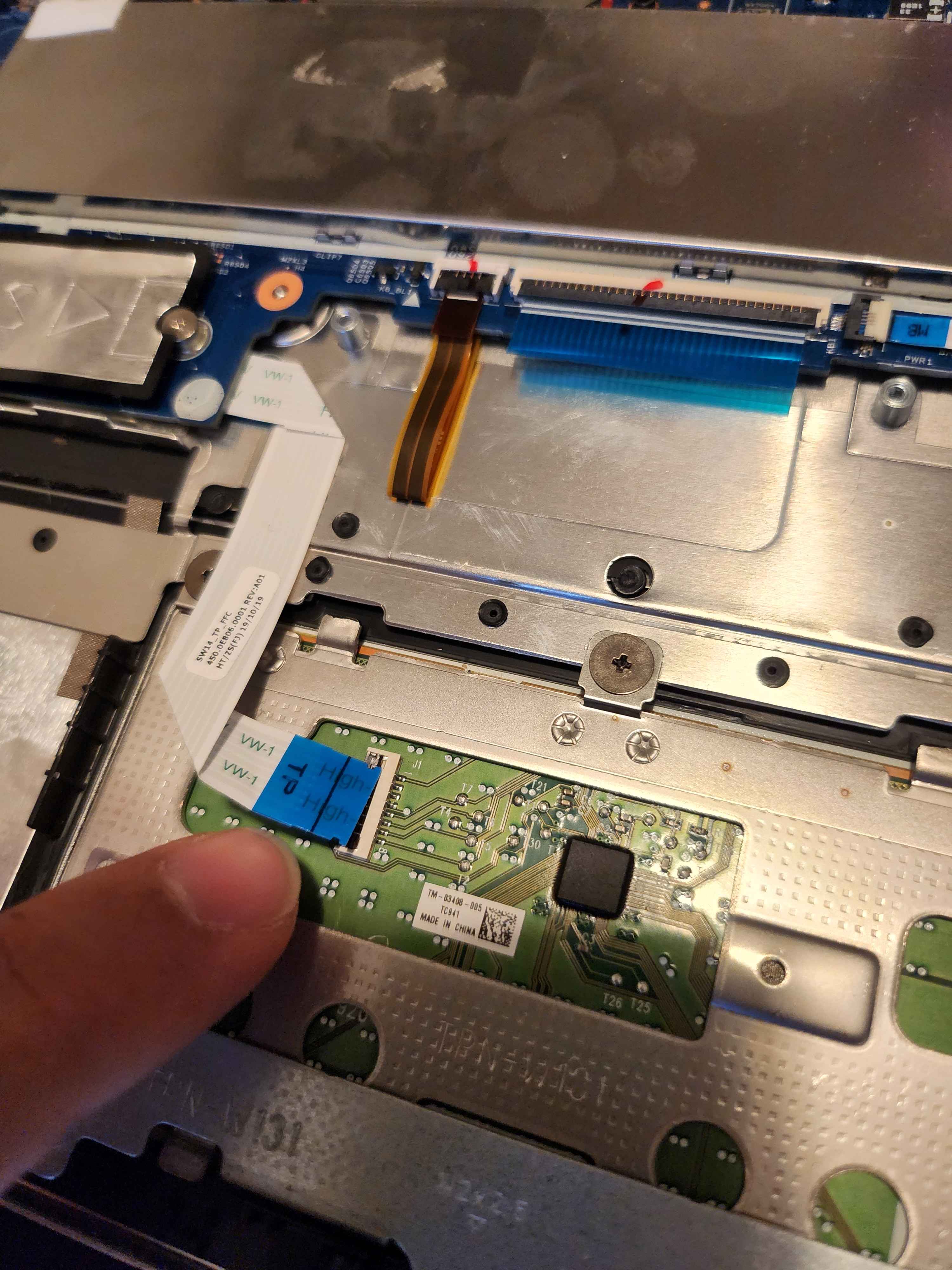


Once I reconnected all the ribbon cables and secured the motherboard, I cleaned off the old thermal paste and applied a fresh layer. I used 95% isopropyl alcohol and Q-tips to thoroughly remove the dried, crusty thermal paste.
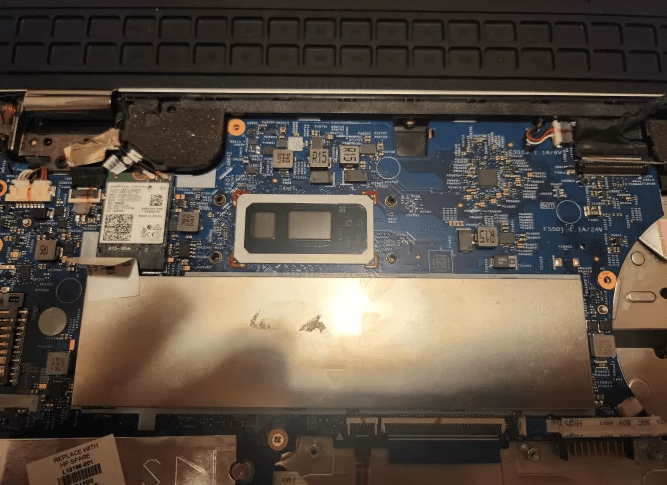
Finally, I reattached the ESD tape, screwed in the fan, connected it to the motherboard, secured the back cover, and gave the entire laptop a thorough wipe down with a microfiber cloth and isopropyl alcohol.


Overall, this experience was frustrating, as it was the first time I encountered such issues. Typically, as part of the planning stage, after reviewing documentation, I would also watch YouTube guides to get a better understanding of the repair. However, this repair seemed simple and manageable, so I skipped that step. In hindsight, this repair reinforced a very important lesson: never be complacent with technology. Even if something seems easy, doing more research is always better than doing less. IT and tech are constantly evolving with new innovations and techniques. To succeed in this field, you must continuously hone and apply your knowledge. Take on new challenges, and approach even familiar ones with the care and respect you would as if tackling them for the first time. Never feel complacent.
 Kevin's IT Journey